
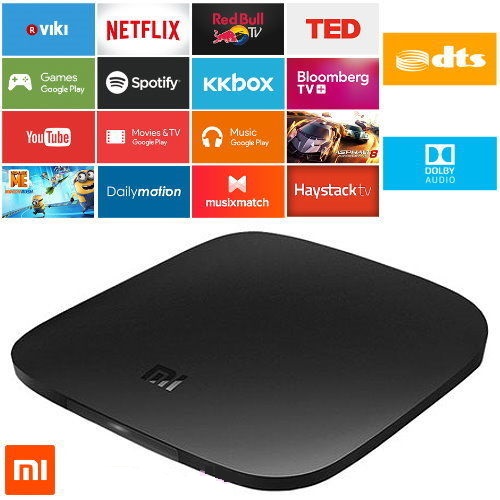
Xiaomi Mi TV box 3 Netflix audio video out of sync
Recently I bought the Xiaomi Mi TV box 3 (International version). From the specifications and description, it seemed perfect for me as it is cheap and supports Netflix 4K, Chromecast, Kodi and running Android TV which gives access to many useful apps from PlayStore.
To cut long story short, from day one I noticed problems with video and audio being out of sync in video streaming apps like Netflix and YouTube. I searched through forums to find a solution but nobody, not even Xiaomi official responses have given a proper solution.
For all you frustrated folks out there, this is the solution you have been waiting for:
Settings -> About -> tap on Build until developer options enabled.
Then go to Settings -> Developer options -> General -> HDMI optimization and set it to Best frame rate.
Restart the device and hopefully everything will be working as expected.
Hi, I’ve been having the same problem with a Xiaomi mi tv box 3 4k. I tried what you suggested, but it only worked that same evening. In the morning it was out of sync again. I checked the settings, and it was still set on “Best frame rate”. Any suggestions?
Hi,
I can’t find this option under ‘developers options’
I have the Oreo already.
Where can I find it?
Thank you,
Guy