iCloud and Outlook 2011

Transfer Calendar from iCloud to Microsoft Outlook

Using MacOSX open Calendar application. In case you are already logged in to iCloud the entries should appear. Go File->Export->Export and save the exported file anywhere on your mac. This will create a file with an extension .ics.
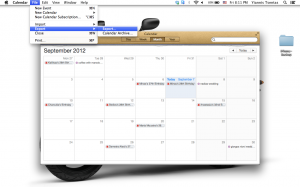
Screen Shot 2012 09 07 at 8.11.14 PM

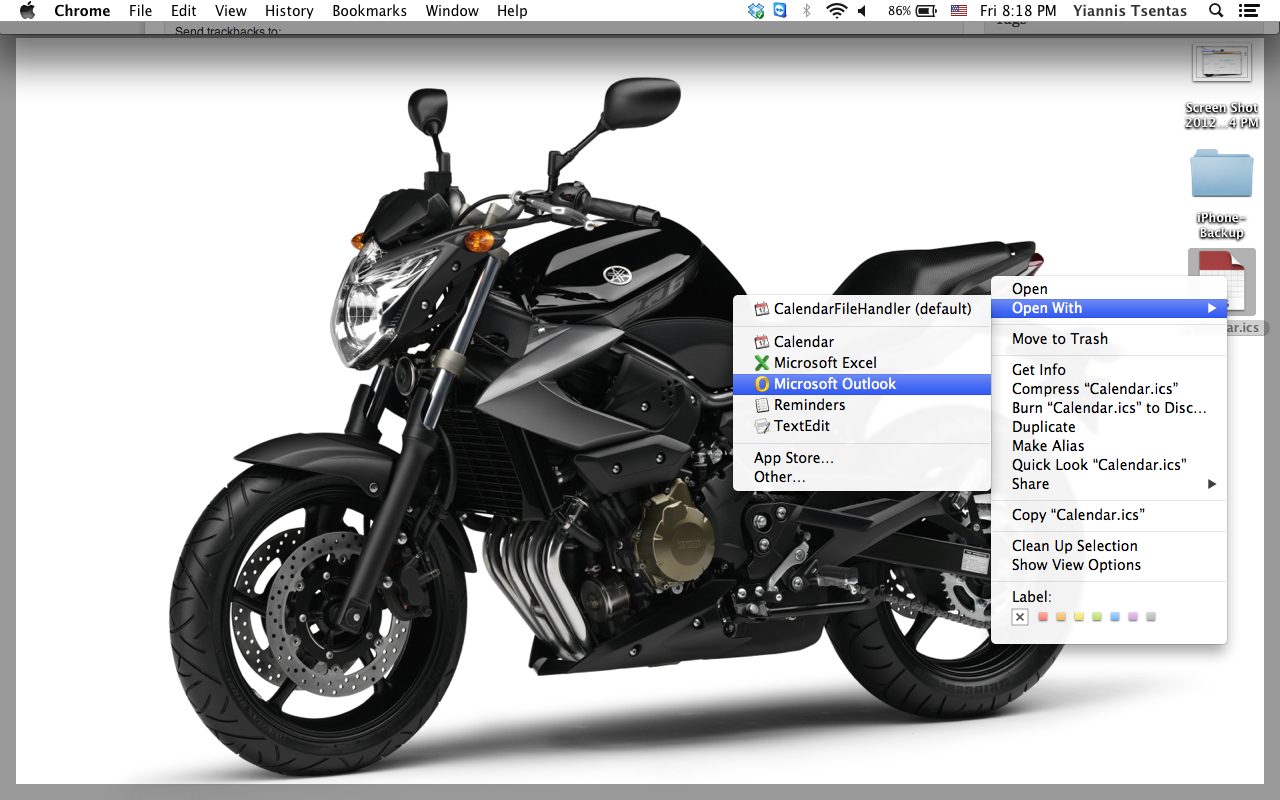
Locate the file using Finder and right click on it. Select Open With, then Microsoft Outlook.Screen Shot 2012 09 07 at 8.18.10 PM
Done! All your entries should now be in your outlook calendar.
Similar Posts

  • PuTTY SSH Tunneling

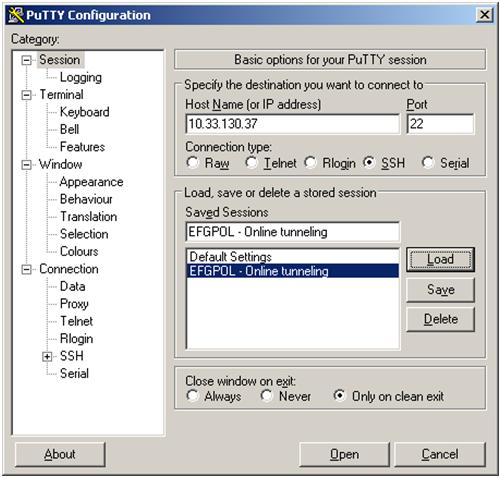
    This post explains how PuTTy SSH Tunneling can be easily used to bypass firewall rules blocking ports. Let’s say that we have the following setup where only communication via port 22 is allowed between two hosts: Step 1: Open profile and load server’s profile Step 2: Navigate to Connection->SSH->Tunnels and add new port as the…

  • New Web Design

    Plenty of free time recently and I decided to change my website’s theme to follow the latest web trends. This template is dedicated to photography, giving blogging a secondary role. During the porting of old posts to this new design, some links and pictures got broken. If you are here to view or download any…

  • Crack WEP using KisMAC

    Things you need: An Intel based macbook (other may work) Time! First thing you need to do is to download and install KisMAC. You can do this from http://kismac-ng.org/. Then launch the program and open Preferences. Go to Driver tab, select Apple Airport Extreme card, passive mode and click Add. Then Select All channels and…

Leave a Reply

Your email address will not be published. Required fields are marked *

This site uses Akismet to reduce spam. Learn how your comment data is processed.